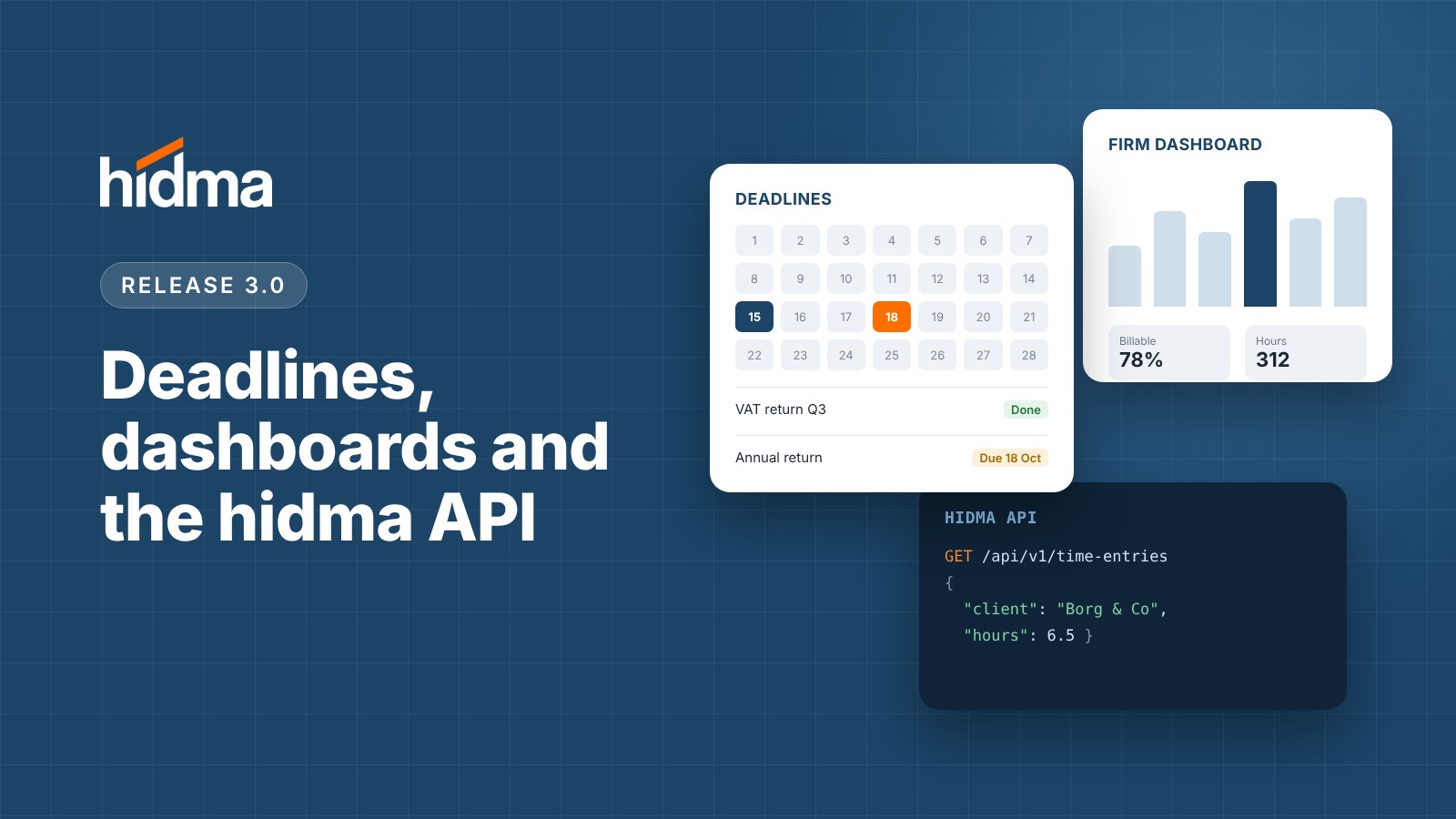
Release 3.0.0 🎉 🚀 New Features 📅 Deadlines hidma now tracks critical compliance and operational dates - such as VAT returns, annual filings, and statutory tax deadlines. This marks our first major step toward comprehensive practice management inside hidma. Centralised Deadline Management: Access Deadlines from the main navigation to view your schedule in a list or calendar format. Easily search and filter by client, project, team, or firm-wide scope across custom date ranges. Flexible Scope & Assignments: Assign deadlines to a specific client, project, team, individual user, or the entire firm - with clear accountability delegated to responsible teams. Batch Creation & Grouping: Select multiple clients or an entire Client Group to generate deadlines in bulk. Grouped deadlines stay linked, allowing you to update the entire batch at once or modify an individual client's deadline separately. Automated Recurrence: Set recurring schedules (e.g., annually) so future deadlines are generated automatically without manual input. Seamless Client Onboarding: Instantly copy existing deadline templates to new clients, automatically enrolling them into the relevant deadline group. Completion & Waive Workflow: Mark multiple deadlines as completed in bulk. If a deadline is no longer required (e.g., offboarded client), you can mark it as Waived with an accompanying reason recorded in its permanent audit history. Customisable Reminders: Receive weekly or daily summary emails highlighting upcoming and overdue deadlines. In-app alerts can also be configured for deadlines due within 1, 2, or 3 weeks (Profile → Notification Settings → Deadlines). Integrated Dashboards: Relevant deadlines now appear directly on Client and Project dashboards, as well as on your personal and team summary dashboards. 📹 Watch the Deadlines walkthrough video for a full demonstration. 📊 Team & Firm Dashboards The Dashboard view has been upgraded with up to three dedicated tabs based on your role and permissions: My Dashboard: Focus on your personal hours, productivity metrics, and individual deadlines. My Team: Designed for team managers to track total billable hours against capacity, analyse the breakdown between billable, internal, and personal time, and evaluate individual team member performance (billable percentage and effective hourly rates) across weekly, monthly, quarterly, or annual views. Entire Firm: Tailored for partners and directors. Access macro-level KPIs including billable utilization against target, recovery rates, effective hourly rates, Work in Progress (WIP) breakdown (including aged WIP > 60 days), and overall gross margins - with period-over-period trend comparisons. Interactive Financial Insights: Granular charts illustrate weekly utilization trends, hours by team and role, target vs. actual per team member, WIP age distribution, and client profitability. Toggle on "Show the numbers behind each chart" to review the raw data driving each visualization. 📹 Watch the Dashboards walkthrough video for a guided overview. 📈 Realisation Reporting & Analytics We’ve introduced two new reports in the Reports section to give you complete visibility into billing efficiency, write-downs, and rate recovery across your firm: Realisation Rate Report: Analyse how much of the standard value of your billed time was actually invoiced, aggregated by team. Expand any team row to view individual user contributions, or switch the toggle to view users directly. Key Metrics Included: Recorded hours, billed hours, unbilled hours, standard value of billed time, actual amount billed, total write-downs, and overall Realisation %. Filtering & Exports: Filter by custom date ranges, teams, or individual users, and export the full dataset to CSV or Excel. Detailed Realisation (Billing) Report: Drill down into project-level performance for every team member. Group project allocations under individual users or switch to a flat project list for quick scanning. Additional Filters: Filter by Client Type, Client, and Project in addition to standard date and user filters. Read a more detailed explanation of realisation rates in this article on our knowledge base. 🔌 hidma API (Beta) Connect hidma directly to your custom internal tools, reporting suites, and automated workflows. Firm-Level Authentication: API integrations are established at the firm level rather than tying to individual user credentials, ensuring persistent uptime regardless of team changes. Granular Scoping: Manage API credentials (Client ID & Secret) and define precise access permissions per integration. Access tokens strictly enforce a 1-hour expiration window for enhanced security. Note: The API is in beta and can’t be set up from the app yet. Contact our support team to set it up and get the API documentation. ⚡ Improvements & Enhancements ⌨️ User Experience Global Quick Add (A): Press A on your keyboard to instantly create a new record (such as a deadline) on almost any screen without using the mouse. 💰 Billing Billed Projects On Hold: You can now duplicate/copy a bill directly to a project with an "On Hold" status. Previously, target projects were required to be active. ⭐ Enjoying hidma? If hidma has helped your firm, we would be grateful if you could spend a few minutes writing a review on G2. It helps other firms find us. Leave a review